LinkedIn sets a limit of 100 connection requests per week.
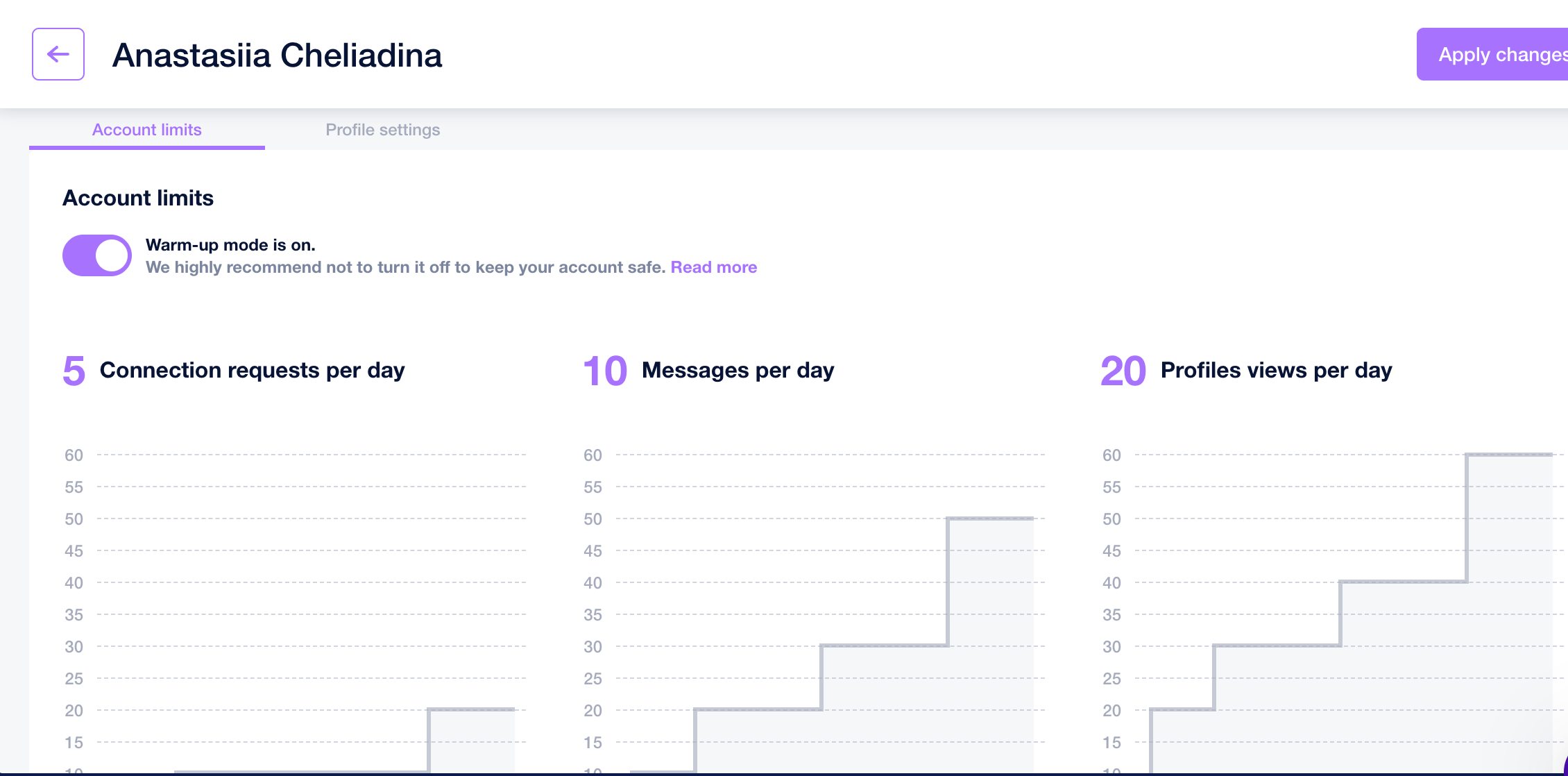
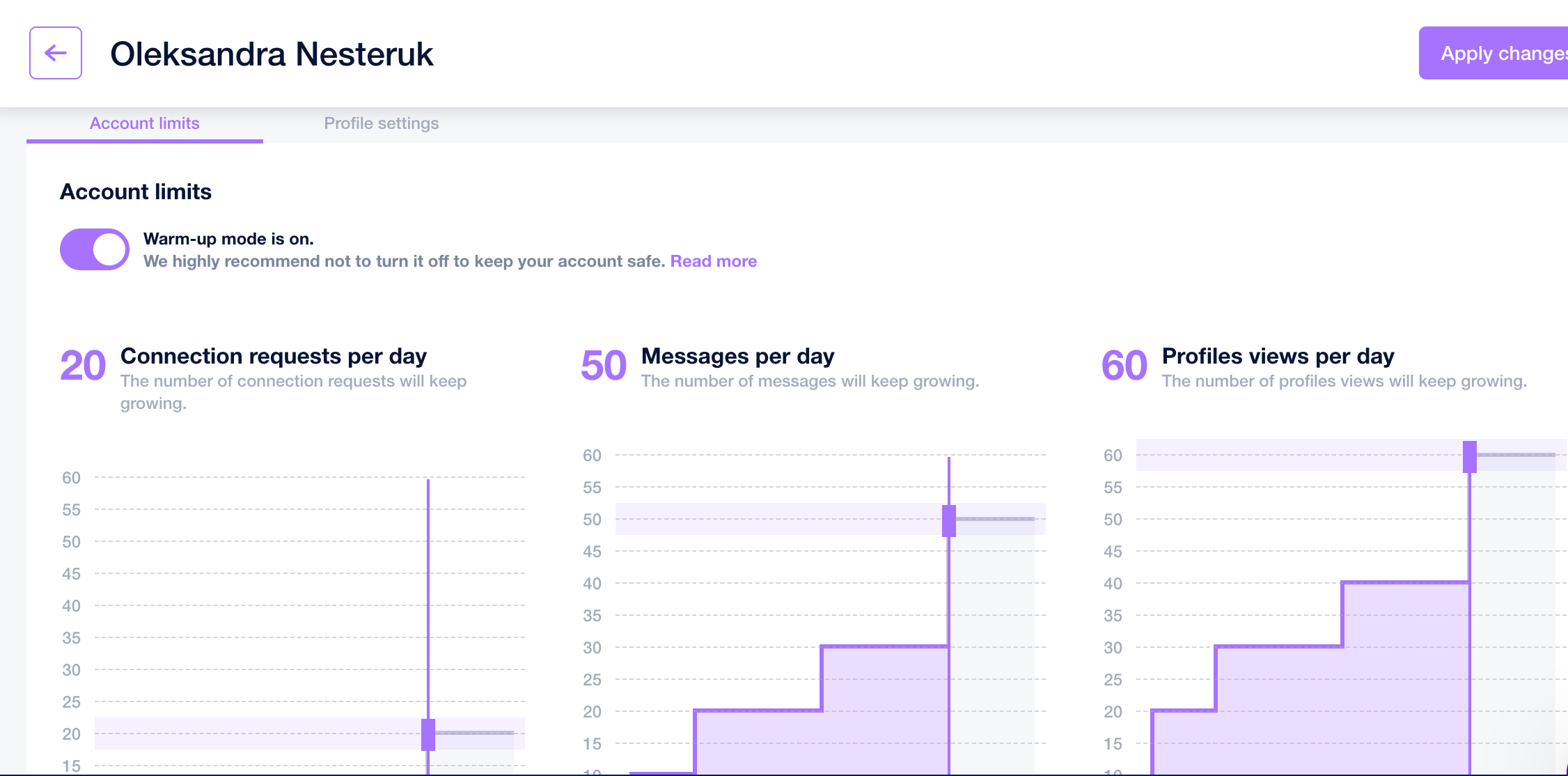
If you have a warm-up period turned on in the settings, we’ll be gradually increasing the amount of sent requests to imitate human behavior. For example, for the first week, we'll be sending 3-5 requests per day, 8-11 for the second, and so on. It's highly recommended to use the warm-up for fresh accounts or if you haven't sent many requests before.
You can turn off the warm-up feature and set your limits manually, but beware that LinkedIn doesn't like rapid spikes in activity, so be careful with that.
Where to find the feature in our app:
LinkedIn accounts tab > cogwheel button at the right > edit
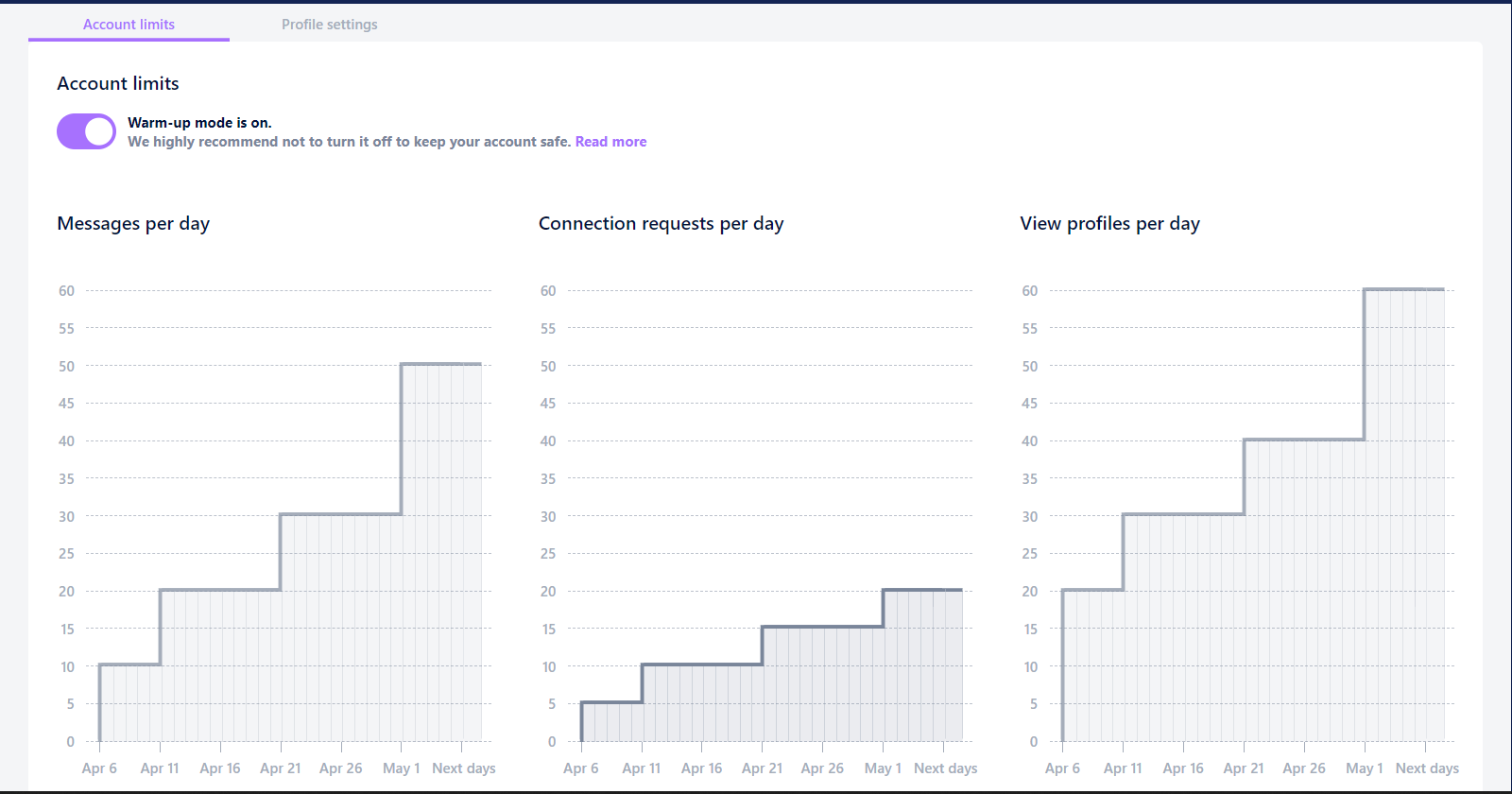
Why can the limits differ for different accounts?
Limits in different LinkedIn accounts may vary depending on the account’s previous activity.
For example, in the LinkedIn account Anastasiia Cheliadina, no campaigns had been created before, so the limits are lower than in the LinkedIn account Oleksandra Nesteruk, where campaigns had already been launched previously